
Amazon Review Page QR Code

$49
Give readers an easy way to share their feedback while your book is still fresh in their minds.
A dedicated review page is added to the end of your book featuring a QR code readers can scan with a smartphone to go directly to your book's Amazon page.
Turn the end of your book into a simple invitation for readers to stay engaged and share their honest feedback.
Make It Easier for Readers to Review Your Book
Give readers a convenient way to move from finishing your book to sharing their feedback on Amazon with one quick scan.
Make Reviewing Your Book an Easy Next Step
When readers reach the end of your book, their experience is still fresh. A dedicated review page gives them a natural invitation to share their thoughts without having to search Amazon for your title.
From Your Final Page to Amazon in Three Steps
We create the QR code and build the review invitation directly into your book.
A QR code is created to direct readers to your book's Amazon page.
A dedicated review page featuring your QR code is incorporated at the end of your book as part of its final design.
Readers scan with a smartphone and go directly to your book's Amazon page where they can share their feedback.
Examples of Amazon Review QR Code Pages
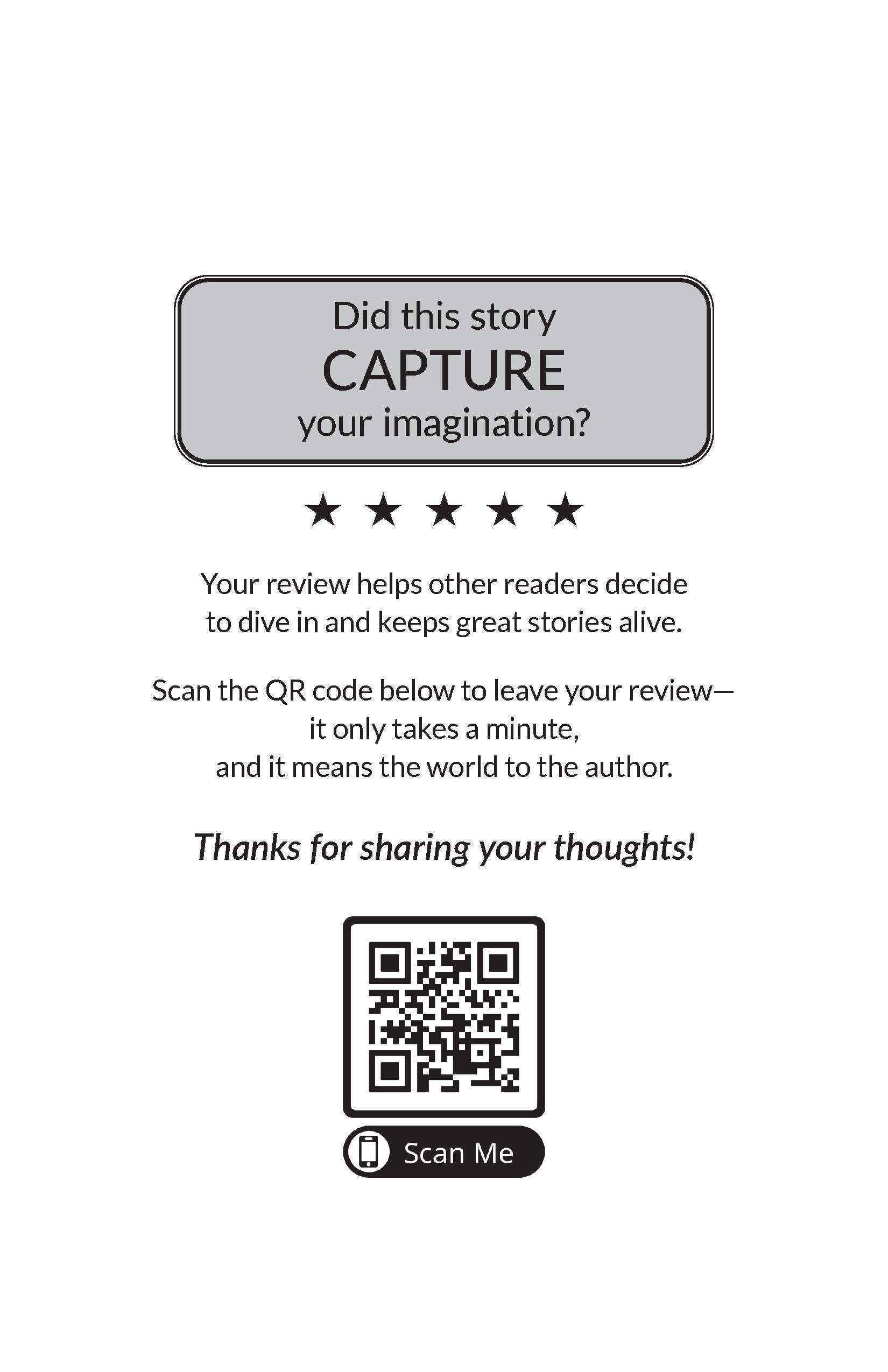
Your review invitation can complement the genre and personality of your book. Here are two examples of dedicated review pages designed to encourage readers to share their thoughts on Amazon.
An invitation to share how a story captured the reader's imagination.
A thoughtful invitation to reflect on a meaningful personal journey.
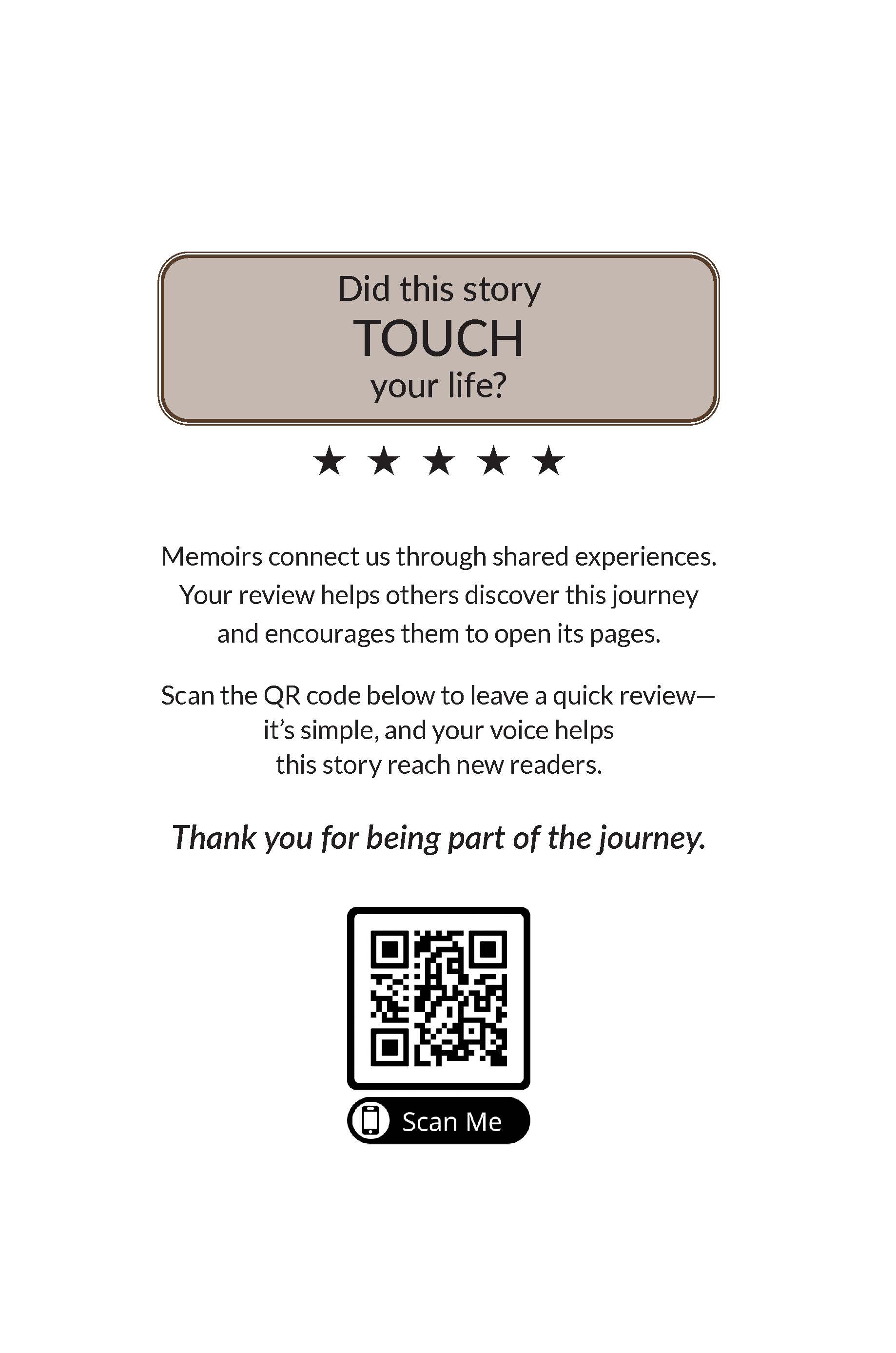
Examples are for illustration purposes. Your review page will feature a QR code associated with your own book's Amazon listing.
Reader Feedback Helps Future Readers
When prospective readers discover your book on Amazon, authentic reviews give them additional perspectives from people who have already read it. That feedback can help potential readers decide whether your book is right for them.
Ask at the Moment That Makes Sense
When readers reach the final pages, they've just completed the experience of reading your book and their impressions are fresh. Your review page gives them a natural invitation to share those impressions while the QR code eliminates the extra step of searching Amazon to find your book.
Choose the QR Code for Your Goal
Outskirts Press offers three QR Code options, each designed to connect readers with a different destination or marketing action.
Connect readers directly to your book's Outskirts Press bookstore webpage from your book cover and copyright page.
Explore the Book Webpage QR CodeReceive a QR code for your marketing materials that links to the online destination of your choice.
Explore the Custom-Link Marketing QR CodeAdd a dedicated page at the end of your book that gives readers a convenient path to your Amazon page to share their feedback.
Give Readers an Easy Way to Review Your Book
Click Add to Cart to add a dedicated review page and QR code that connects readers directly to your book's Amazon page.